


Assay definition files (ADFs) enable efficient sample-to-answer workflows for diagnostic assays
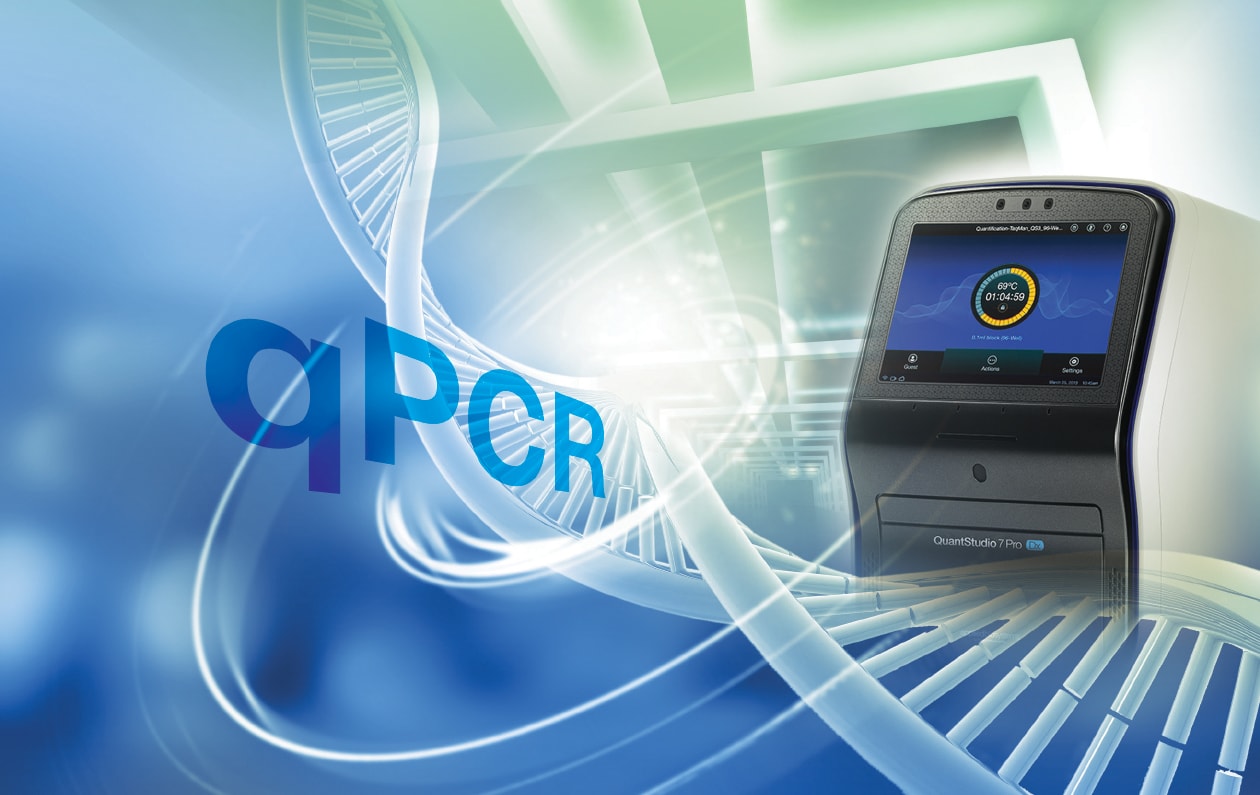
SARS-COV-2 revolutionized clinical testing with the widespread adoption of qPCR-based molecular diagnostic assays. With this shift, labs that develop diagnostic assays or routinely run in vitro diagnostic testing require more efficient workflows that deliver high-quality, reproducible results. Designed with clinical testing labs and diagnostic assay developers in mind, the Applied Biosystems™ QuantStudio™ 7 Pro Dx Real-Time PCR System* uses a simplified workflow driven by assay definition files (ADFs) to streamline instrument setup and help mitigate user errors.
What is an assay definition file (ADF)?
An assay definition file is a digital representation of all qPCR setup, analysis, and regulatory-use parameters needed to run an assay, panel, or test. ADFs are created by individual assay developers or kit manufacturers and are not provided with a real-time PCR system.
What properties are defined in the ADF?
| Property | Description |
| Summary | Includes the assay panel name, version, and description. Also defines the instrument and block type used to run the test. |
| Run method | Defines the instrument run setting including, thermal protocol and reaction volume. |
| Controls | Defines the positive and negative controls for the test. |
| Targets | Defines the target name, reporter, quencher, and internal control for the assay. |
| Test Codes | Defines the test code name, including targets, and description. |
| Primary analysis settings | Includes the Cq analysis parameters and information about the software algorithm version that was used. |
| Secondary analysis parameters | Includes the call settings for targets, samples, and controls. Also includes information about the algorithm version that was used. |
| Regulatory use label | Defines the regulatory use status from instrument touchscreen setup to report. |
How do ADFs fit into the molecular diagnostic assay development process?
The QuantStudio 7 Pro Dx is designed to support ADFs with different regulatory statuses, which allows a single instrument to provide a seamless transition from assay development and performance evaluation to clinical testing. As an integral part of the assay development process, the Applied Biosystems™ Diomni Software enables scientists to create, publish, and manage ADFs for different regulatory use cases. When an assay is selected on the instrument touchscreen, the regulatory status is automatically determined via the ADF file.
- RUO ADFs: RUO assay definition files are created during assay development and can be edited. An RUO assay definition file is for research use and cannot be used for clinical diagnosis or patient management. From an RUO ADF, developers can publish an IUO ADF.
- IUO ADFs: A published IUO assay definition file is intended for evaluation or validation purposes only and cannot be edited. An IUO assay definition file cannot be used for clinical diagnosis or patient management and is intended for medical device manufacturers or assay developers performing investigational studies. From an approved IUO ADF, developers can publish an IVD ADF.
- IVD ADFs: Published IVD assay definition files can be distributed as part of a test or assay kit by a manufacturer or assay developer after FDA clearance or approval is received for the test or the assay. IVD ADFs cannot be edited.
How are ADFs used in a clinical testing lab?
In a clinical diagnostic setting, ADFs enable more user-friendly instrument setup and test reporting to help reduce user error and support simple sample-to-answer workflows. Once an ADF is installed on the QuantStudio 7 Pro Dx, the operator simply selects the ADF from the test menu, then starts running samples. The instrument automatically knows how to perform and analyze the run based on the defined assay parameters. Embedding setup and analysis parameters in an un-editable assay definition file reduces the number of manual setup steps, thereby reducing errors.
For more information about the QuantStudio 7 Pro Dx Real-Time PCR System and the future of molecular diagnostics, visit thermofisher.com/quantstudio7prodx.
For In Vitro Diagnostic Use.
Test Development is For Research Use Only.