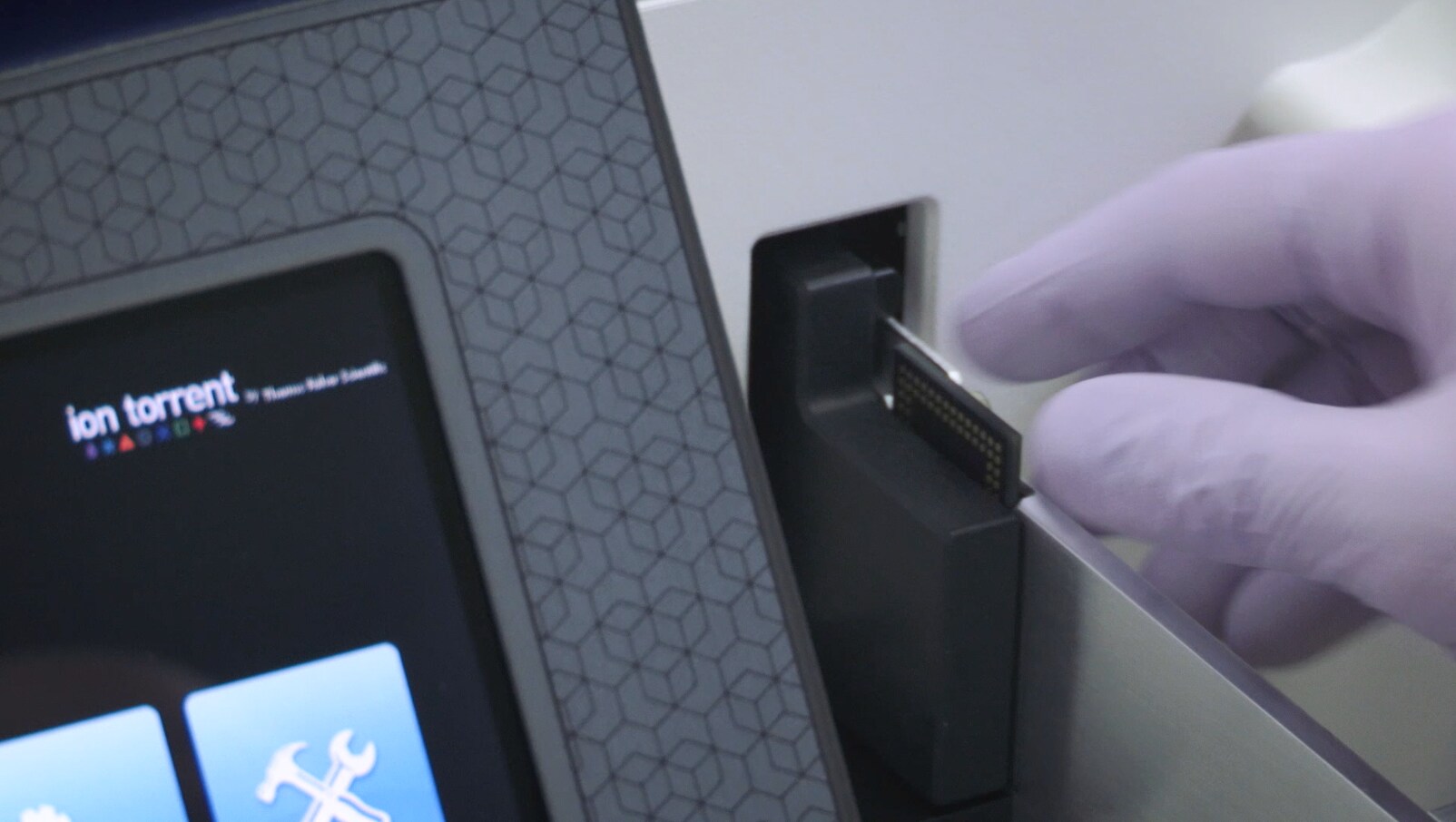
Thermo Fisher Scientific recently announced their new sequencer, the Ion S5™ Sequencer. The system was designed to free up researchers time with a simple load and go reagents and fast sequencing times. In the video below, you will see how simple the Ion S5 System is to setup. First, the video walks through initialization, a quick 30 minute process that gets the system ready for sequencing. Then, you just simply need to swap out the old chip used for initialization with the chip with your sample, loaded during an Ion Chef™ System run. And as far as speed on the Ion S5 System is concerned, sequencing is fast – allowing you to complete a run in as little as two hour thanks to the semiconductor sequencing technology.
Thoughtful Design
The system was designed with usability in mind. Track your consumables with ease and accuracy with the automated RFID tracking (the reader is located in the door of the instrument). In addition to being easy to use, the system was designed to help prevent user errors. For example, the chip clamp is designed in such a way that it will not close properly if the chip is oriented in the wrong way.
Choose Your Chip
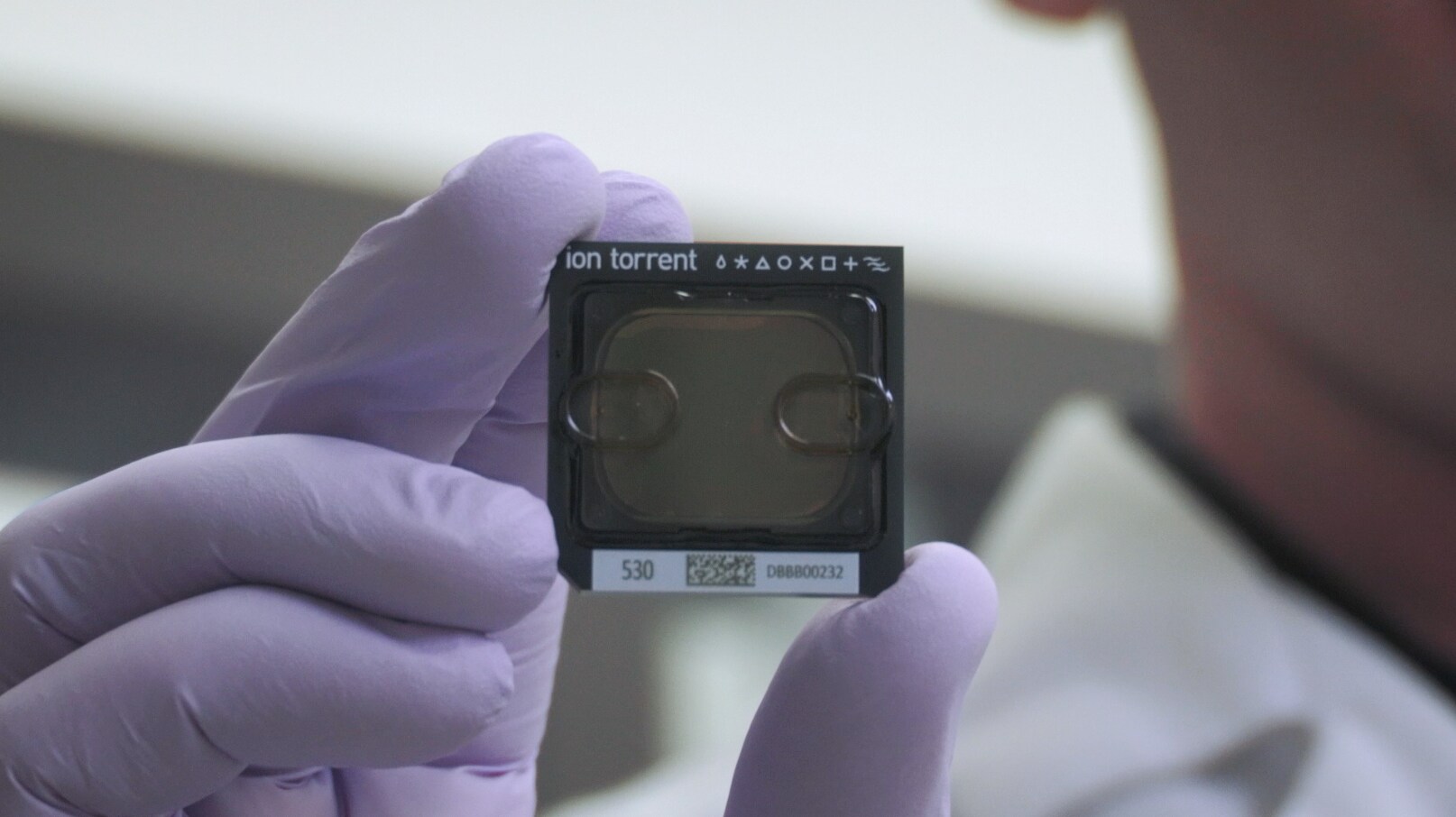
Each Ion S5 and Ion S5 XL™ system currently supports three different chip types, so you can run multiple applications on a single sequencer. This flexibility also means no more batching of samples to achieve the optimum cost efficiency. Just select the chip type that matches your specific throughput or application needs.
Prep With The Ion Chef System
The video also describes the use of the Ion Chef System for upfront library preparation, templating and bead loading. The entire process is automated, and you can prepare 1-2 pool Ion AmpliSeq™ equalized libraries that is ready for templating.
After the Ion Chef System finishes loading the chips, it is recommended to remove and sequence chips within 1 hour. If you cannot sequence a loaded chip immediately, store it within a chip storage container at 4°C until you are ready to run it (up to 6–8 hours maximum). For more information check out our Ion Chef Demo video.

Ready. Set. Run.
Prior to starting a run on the Ion Chef and Ion S5 systems, you’ll need to create a run plan on the Torrent Suite™ software. Planned runs contain all of the settings used in a sequencing run, including the number of flows, kit types, barcodes used, run type (such as DNA, RNA, or amplicons), and reference file (if any). They provide a convenient way to set up your runs. You create planned runs in the Torrent Browser and assign them to barcoded library sample tubes. The planned runs are retrieved by the Ion Chef when it scans the Library Sample Tubes, and by the Ion S5 or Ion S5 XL Sequencer when you insert the prepared sequencing chip in the instrument.
The new sequencers provide a simple DNA-to-data workflow for targeted sequencing with industry-leading speed and affordability. So you can spend less time doing repetitive lab work and more time answering the critical questions in your research.
Are there other parts of the workflow that you feel we didn’t cover? Let us know in the comments.

When PCR Gets Dirty – Tackling PCR Inhibitors
In this first Absolute Gene-ius: Science Snapshot episode, h...
Read More
Multiplex vs. Singleplex qPCR: What do I need to know?
Real-time PCR (qPCR) has transformed how scientists detect a... John Pfeifer, PhD
Read More
Thermo Fisher Scientific’s Absolute Q Digital PCR system now a supported system for reporting results to the NWSS
For Research Use Only. Not for use in diagnostic procedures....
Read More
Your IVDR Transition, Now With the 3500-Series Genetic Analyzers
In-Vitro Medical Devices Regulation Clarity and Confidence W...
Read More
Exhilarating!